
Date/Time Format
You can change the date/ time format by selecting the needed format from the below option in your branch setup as shown in the next figure.
User Menu à System Preferences à Branch Setup à Edit

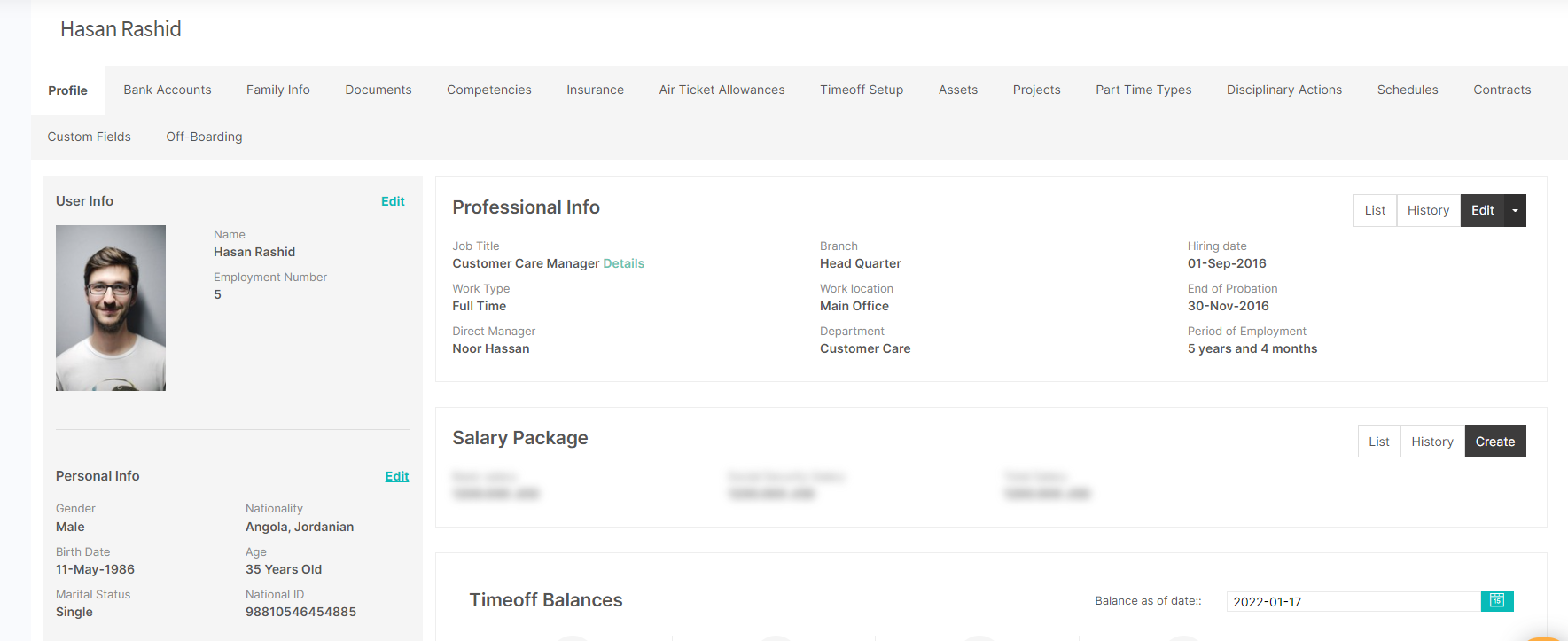
After saving this setup, all system pages and reports will be affected as shown in the below image.
Comments
0 comments
Please sign in to leave a comment.