Skip to main content
How to Generate Headcount Reports
- Go to Reports, located on the left main menu.
- Then, click on “Headcount” under Personal Reports.
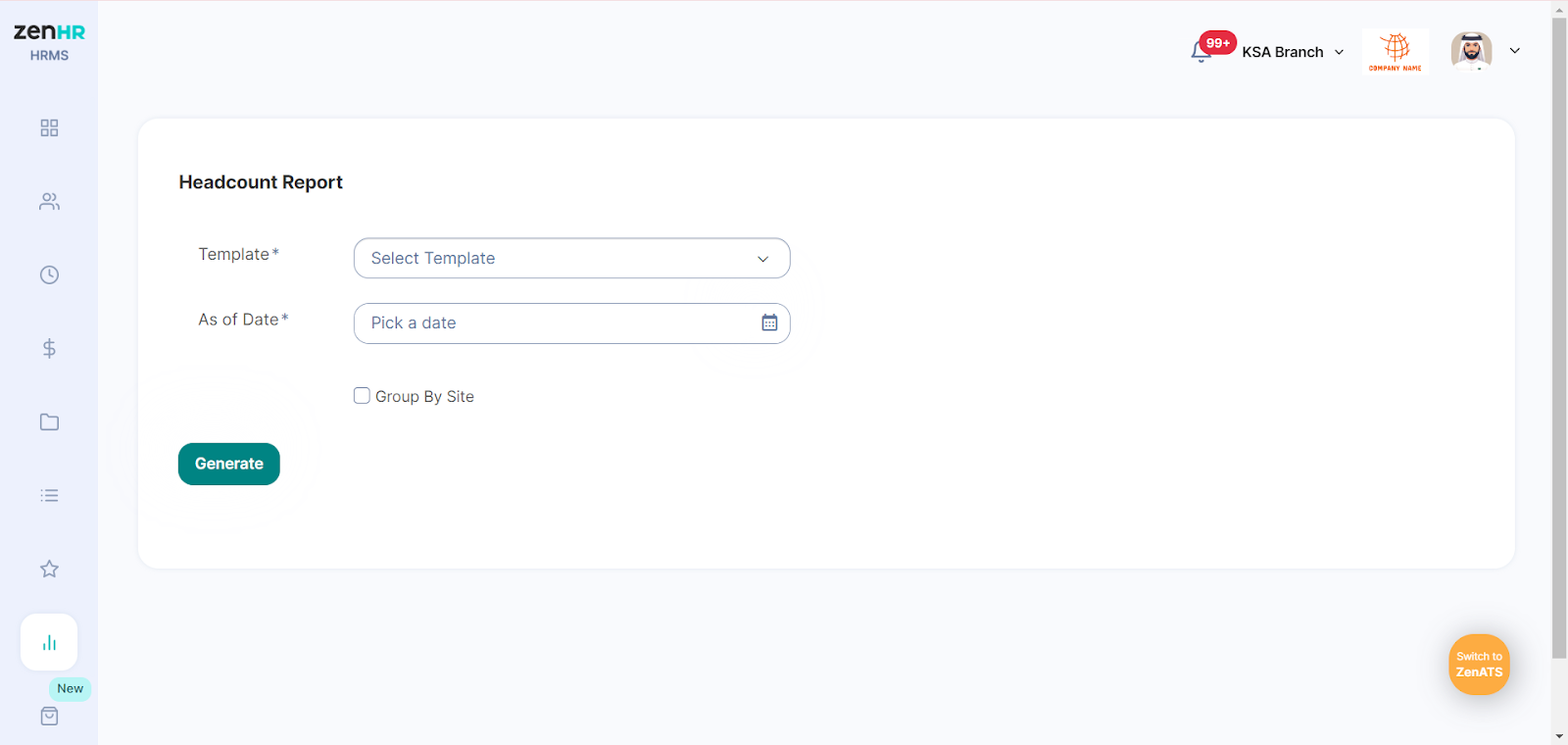
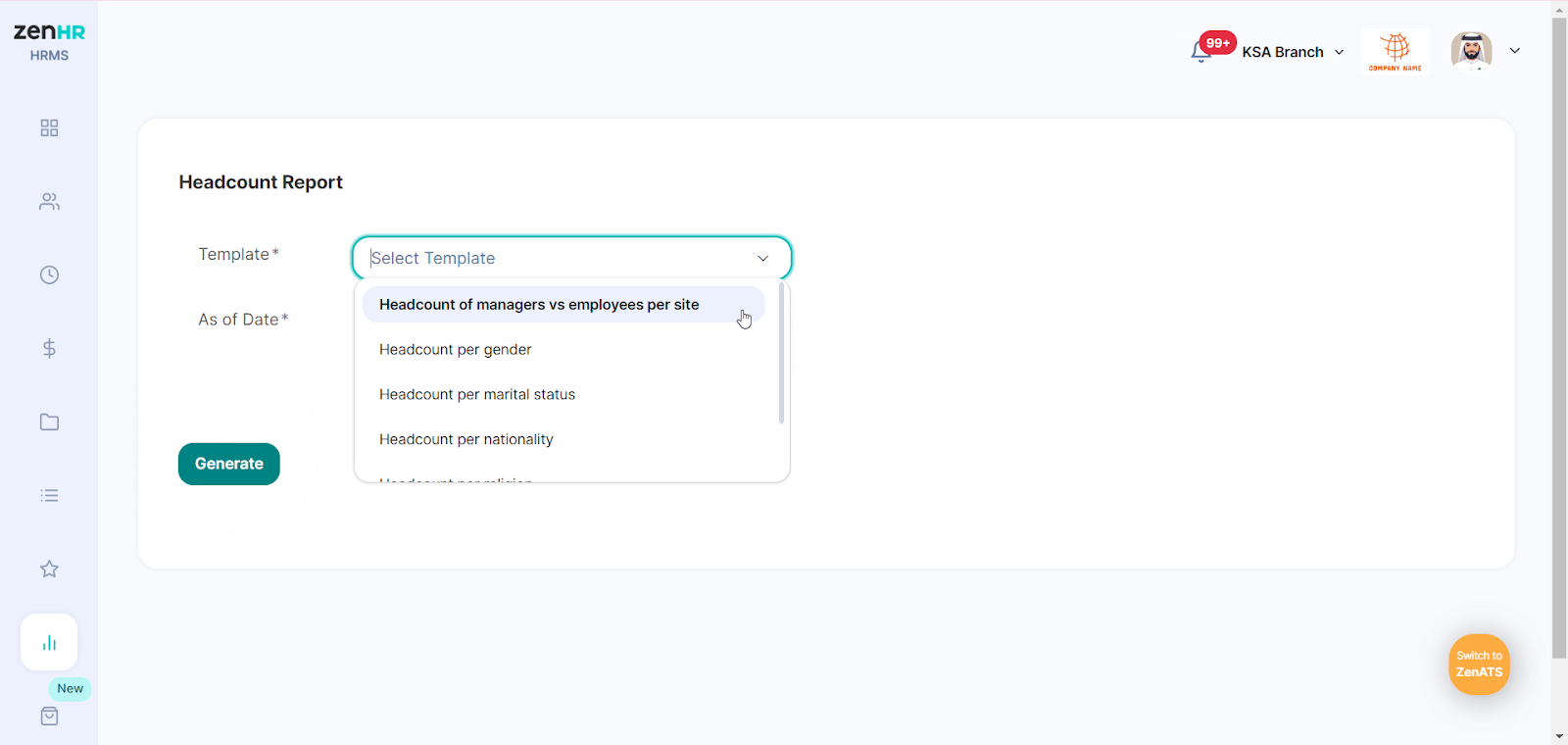
- Select one of the predefined templates available for the headcount report:
- Headcount of managers vs employees per site
- Headcount per gender
- Headcount per marital status
- Headcount per nationality
- Headcount per religion
- Headcount per work type
- Then, set the As of Date to generate headcount data for the specified date.
- Check the "Group by Site" box if you want the report to categorize employees by their work locations; otherwise, it will list all employees together.
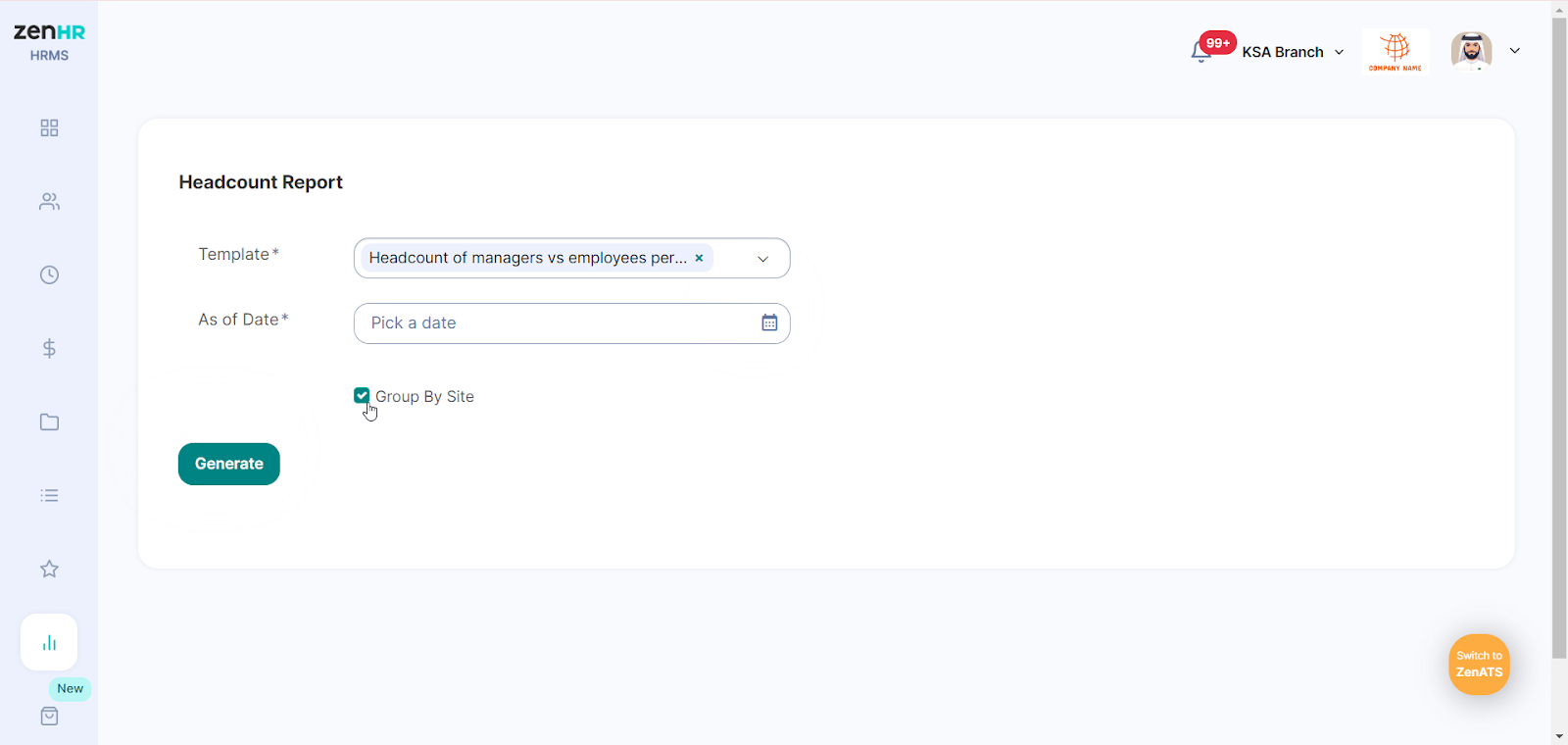
- When completed, click on “Generate” to view and download the report.

Comments
0 comments
Please sign in to leave a comment.