
How to Generate Social Security Termination Forms
1. Go to Reports, located on the left main menu.
2. Then, click on “Social Security Termination Form” under Social Security Reports.
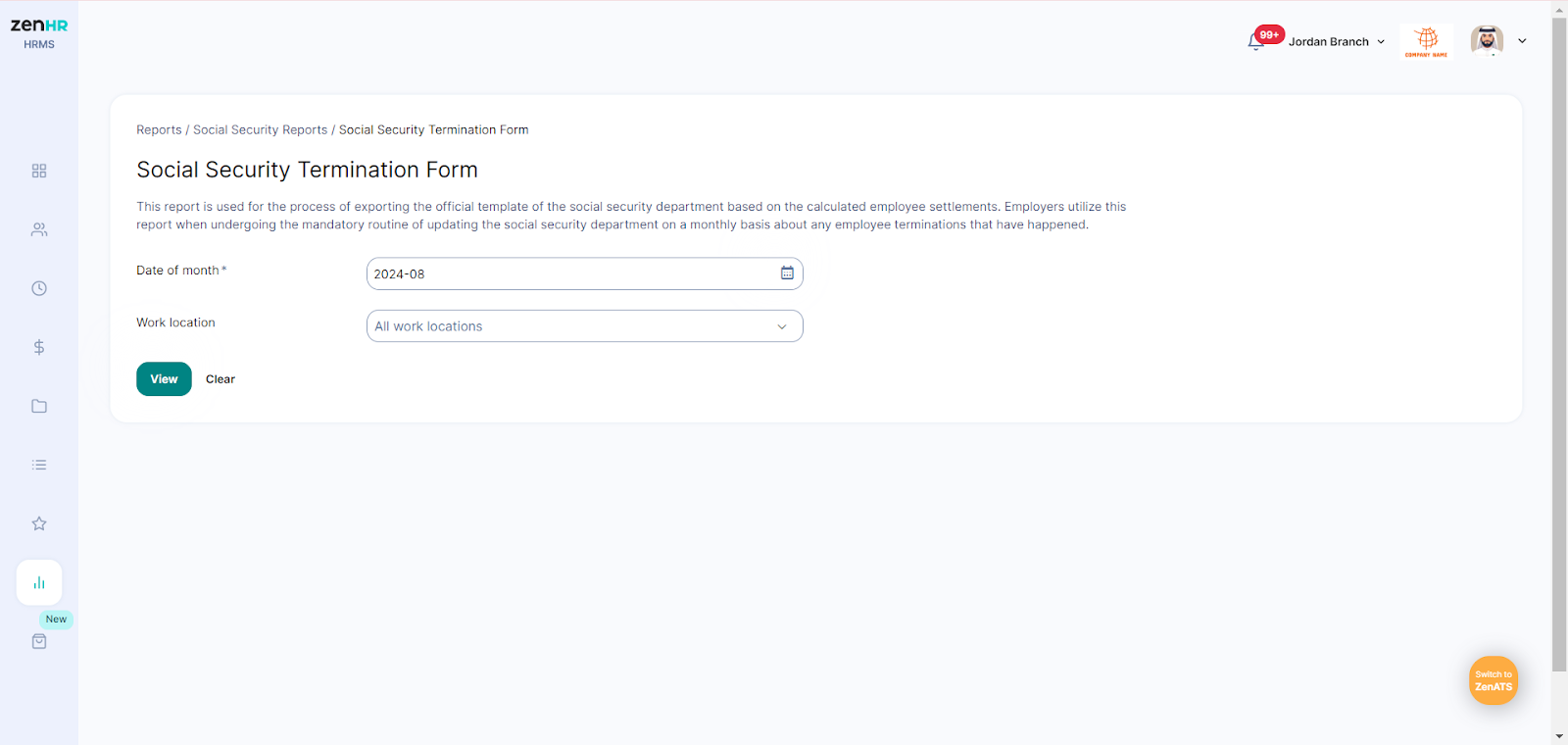
Enter the year and month corresponding to the salary period.
Choose a specific work location or leave the field blank to include all locations.
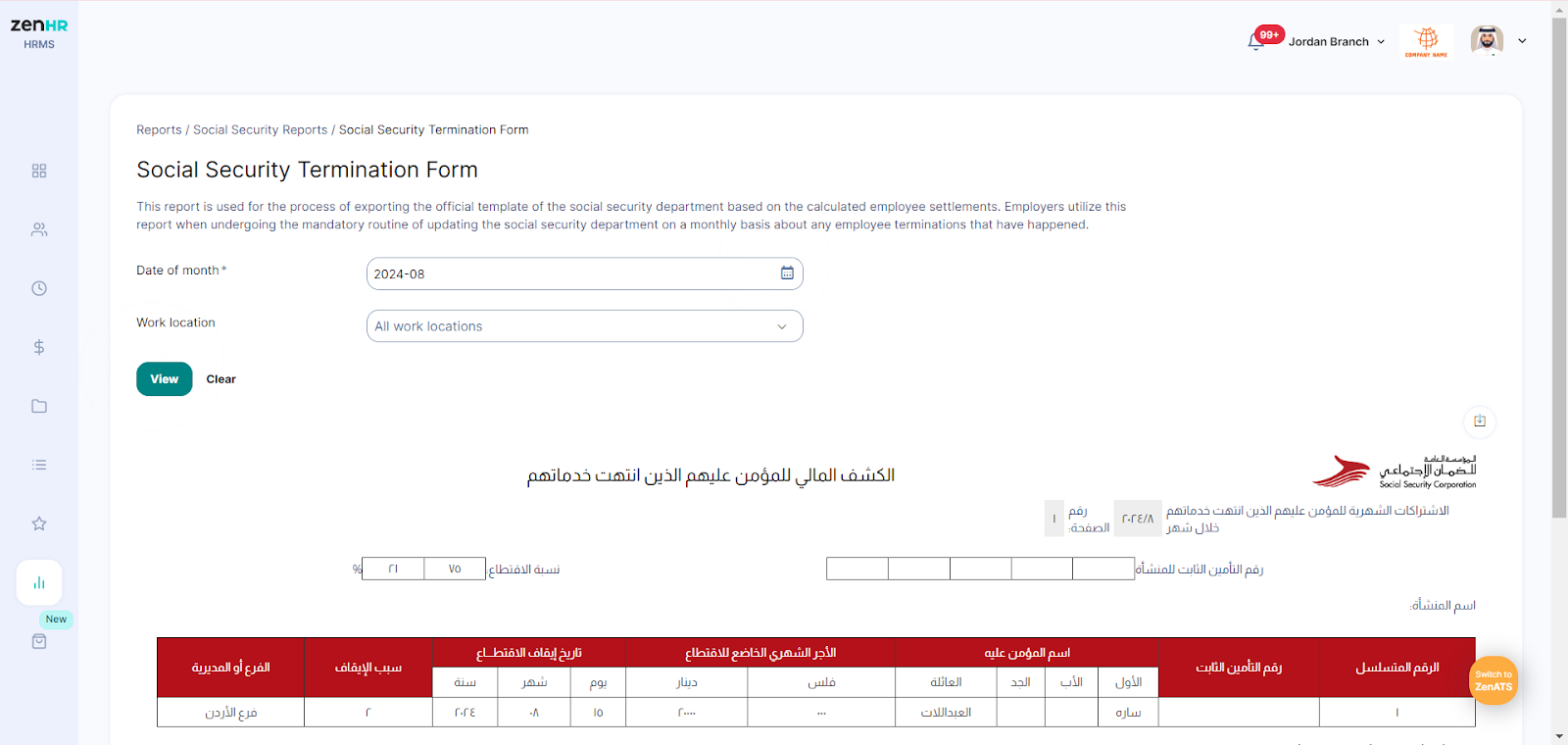
Then, click on “View” to view the report.
Comments
0 comments
Please sign in to leave a comment.